
Your own personalised stalker
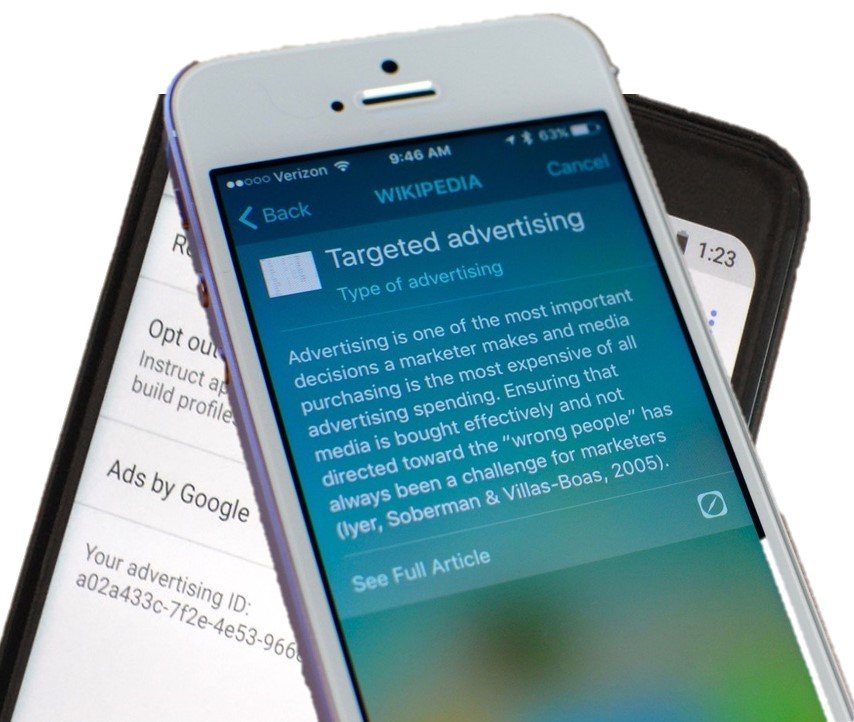
It always seemed slightly creepy that your computer shows advertising that is strangely accurately targeted at things you might have been interested in. On the surface, that seems quite useful. If you have to tolerate ads on your screen, at least having them show things you were interested in seems helpful.
Instead, we wonder how the system knows. It feels like a breach of our privacy.
It all starts when you install an app, and it pops up a question asking for permission to use your location, and/or your camera and/or your microphone.
This is useful for advertisers. For example, they can use your location. If the app reports this back to the content provider, they can match up your location and compare you to other people nearby. If you tend to go to the same places as other people, you are probably interested in the same things, so an advertiser might use that assumption to present advertising to you, or other people that you spend time with.
That does sound a bit overreaching, but we reluctantly agree to the presented terms simply because we want to use the app. If that is a condition of use, and we want to use the app, then we agree.
So, now we are seeing consumers getting the choice to push back.
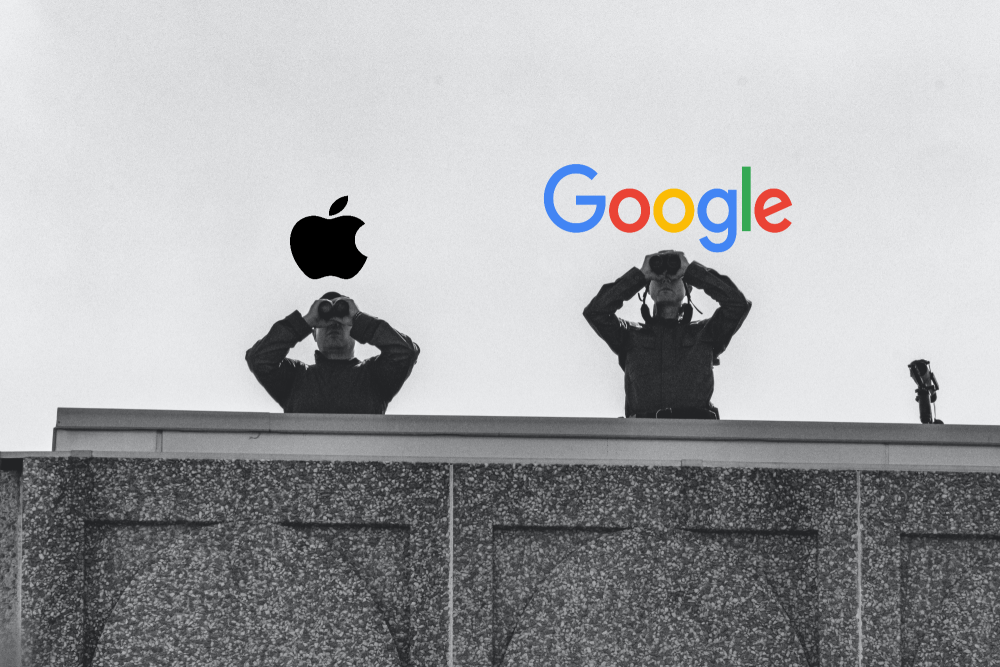
Apple
Now, with iOS15, Apple are saying that you will get to see what apps are accessing your data. You will be able to see when an app used that permission, and there it was sent to. Whether that list of third party sites is any use or not is meaningful is unclear.
Not quite as advanced but following quickly behind is Google Android. With Android 12, you will have the option to de-personalise your data. They will still track usage, but won’t link it back to you.
Is there any truth to the rumour that your phone or TV is listening to you, and presented content based on private conversations it overhears?
Given how poor the voice recognition is on phones , cars, or tools like Alexa or Siri, its pretty evident this can’t be reality. If it, is, then heaven only knows what it thinks it’s hearing. The voice recognition tools are getting better all the time, but there is a long way to go.
The Secrets of Successful LawFirm Practice Management selection and implementation (based on a few years of experience)
Navigating the Complexities of Law Firm Practice Management Software In the dynamic world of legal practice, the right Practice Management and Document Management solutions are not just a necessity—they are the backbone of a successful law firm. When you firm outgrows...
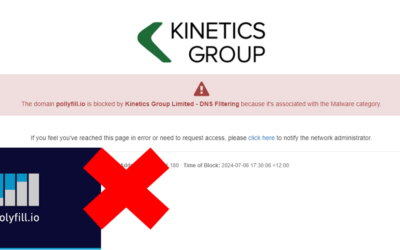
When not being able to access a website is a good thing.
We know it can be incredibly frustrating when you can’t access a website that you need. That happened for a number of a number of our clients last week, (and, counter-intuitively, it’s a good thing) Many websites are built on common components. One of those is...
When good updates go bad (resulting in Windows 11 Endless Reboots)
Navigating the Challenges of KB5039302: A Guide to Recovery. In the ever-evolving landscape of technology, updates are a constant. They bring improvements, new features, and security patches. However, occasionally, an update may not go as planned, leading to...

TeamViewer Compromise
TeamViewer is a common piece for software that allows IT businesses to remotely access, control, manage, monitor, and repair devices – from laptops and mobile phones to industrial machines and robots. Many software vendors include it to allow them to remotely support...

Lawfirm moves into the cloud with Azure Virtual Desktop
Kinetics moves McElroys into the cloud with Azure Virtual Desktop. With ageing server infrastructure supporting its practice management software coming up for a refresh, law firm McElroys checked in with its managed services provider Kinetics for guidance on the...

What should you know about Microsoft AVD?
Why is "Azure Virtual Desktop" (AVD) important?In today's fast-paced world, the ability to work remotely is not just a convenience; it's a necessity.That's where Azure Virtual Desktop (AVD) comes into play, offering a seamless transition from traditional Remote Access...

Cert NZ Business online security assessment tool
A Personal Encounter with Cert NZ's Assessment Tool. Have you recently received an email about cyber-security that set off your system's alarms? It's ironic isn't it? That was my recent experience with an email from Cert NZ. Despite the initial warning, the email...
3 Easy Tips for Excel
Here are 3 essential tips for Excel users starting from beginner users through to advanced users.For Beginners: Excel Quick Access ToolbarThe Quick Access Toolbar is in the top right of every Office app. Ensure the commands you use most frequently or those that are...
Eliminate embarrassing screen pop-ups during video calls and Teams meetings
Say goodbye to annoying email alerts, video call pop-ups and Teams meeting interruptions. Imagine if you were on an important video call with a client, confidently presenting your latest proposal, or project update. Suddenly, a notification pops up on your screen...

Avoid the IT Travel Woes
Free Webinar Replay : Avoid the IT Travel WoesBusiness travel is fraught enough. It's a nightmare to balance tight connections, and tough time zones with work colleagues that are accustomed to being able to link you into Teams meetings and urgent chats.How can you...